Awaz AI

Gold Retell Partner
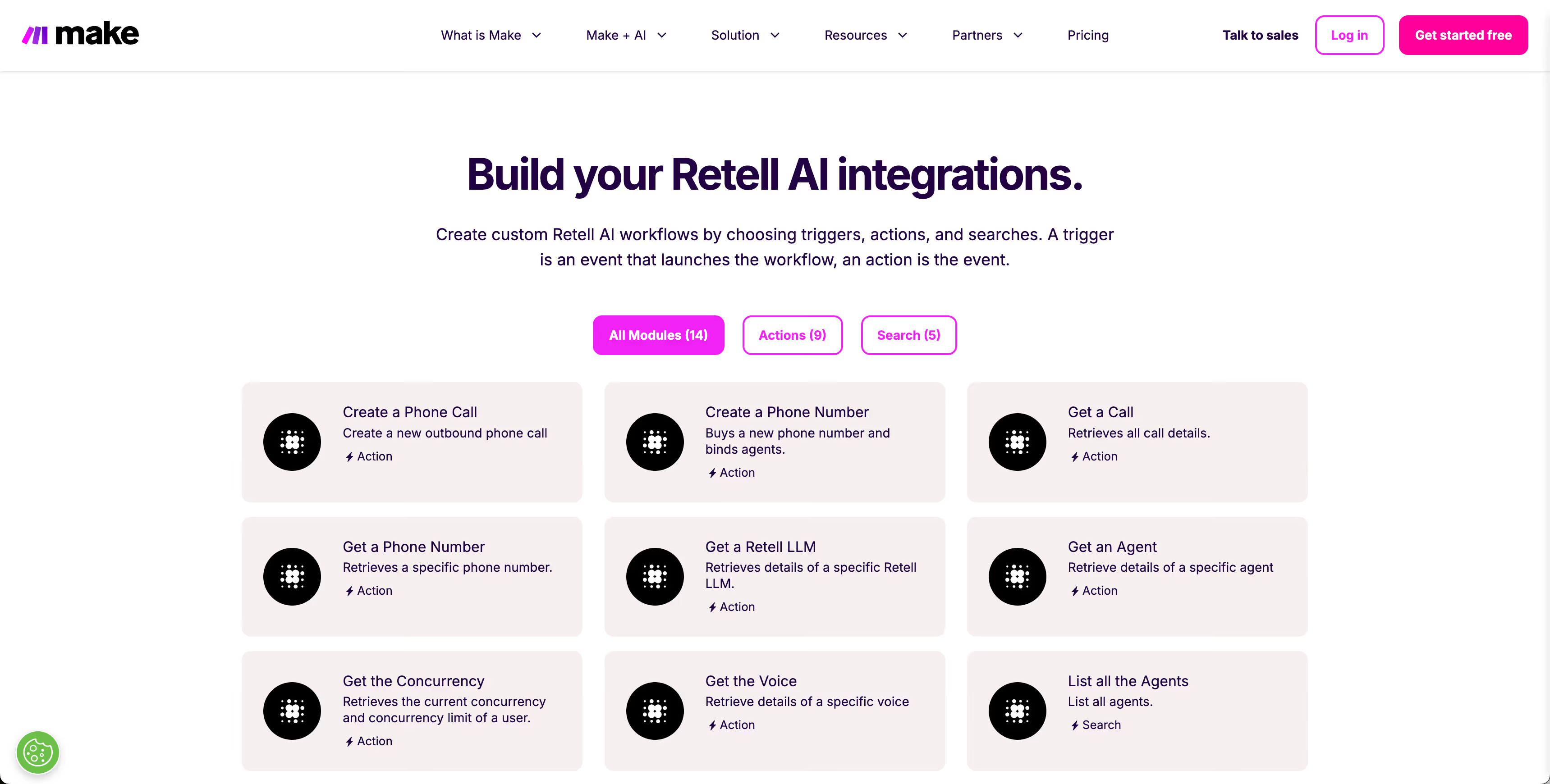
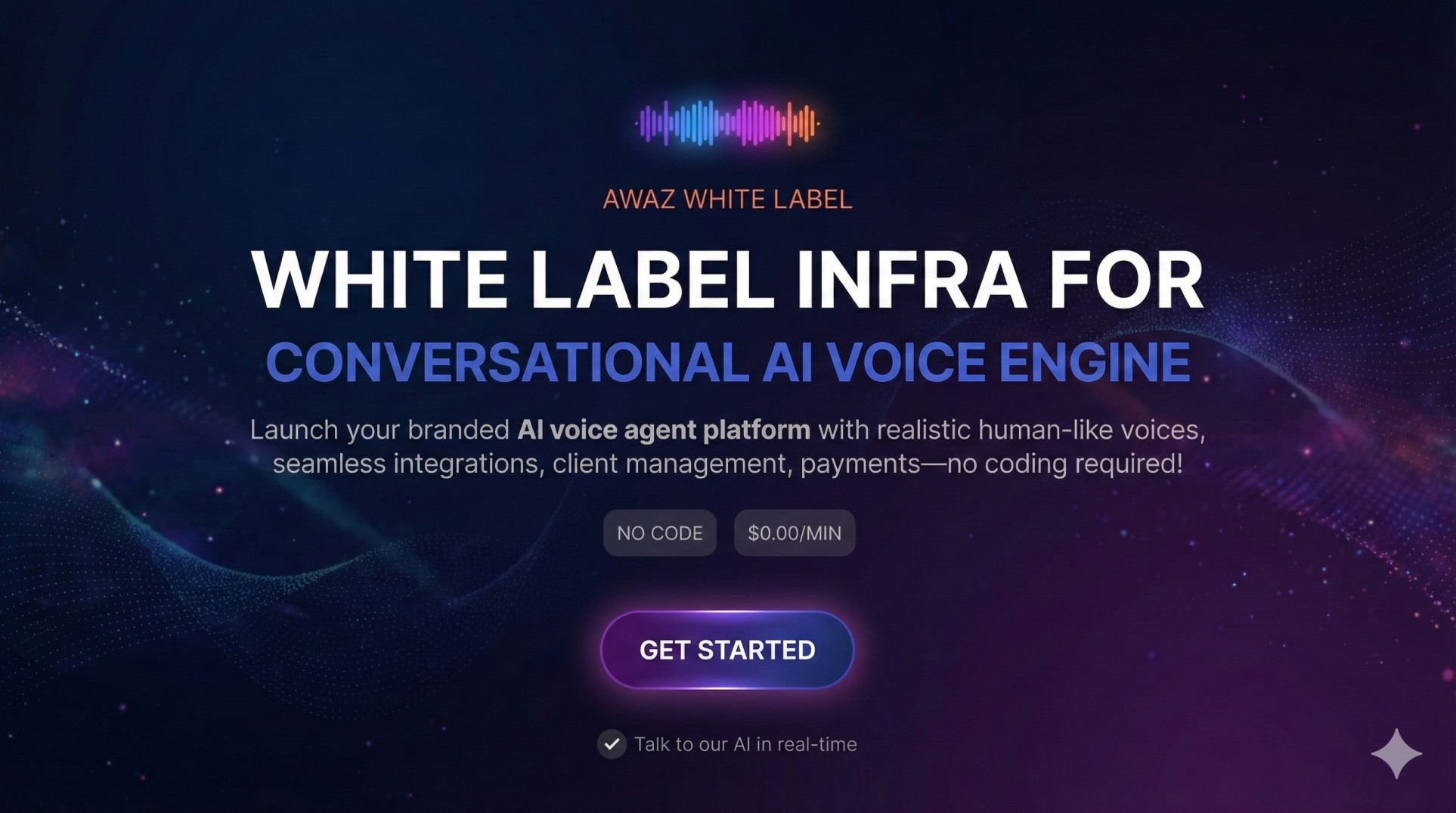
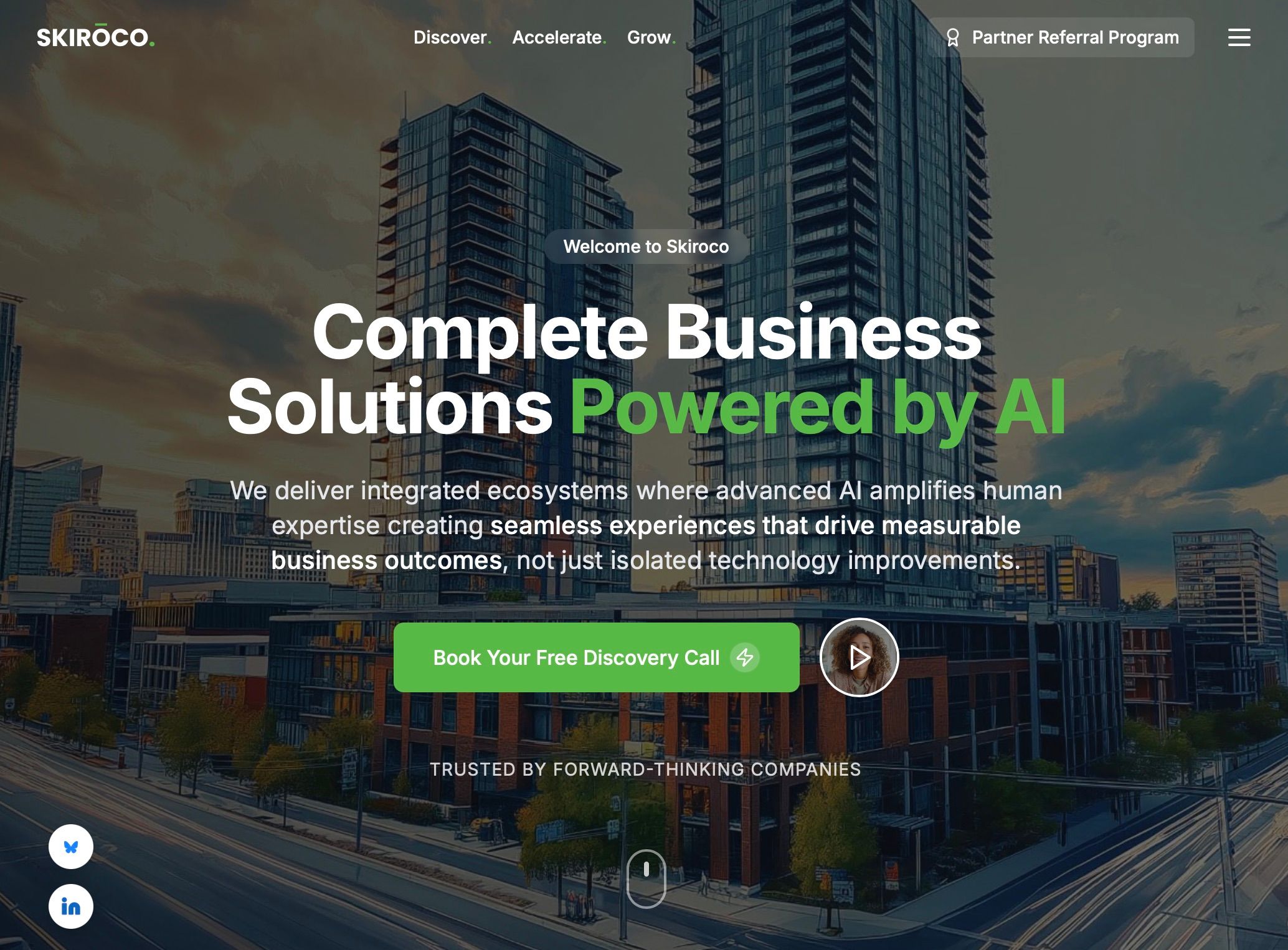
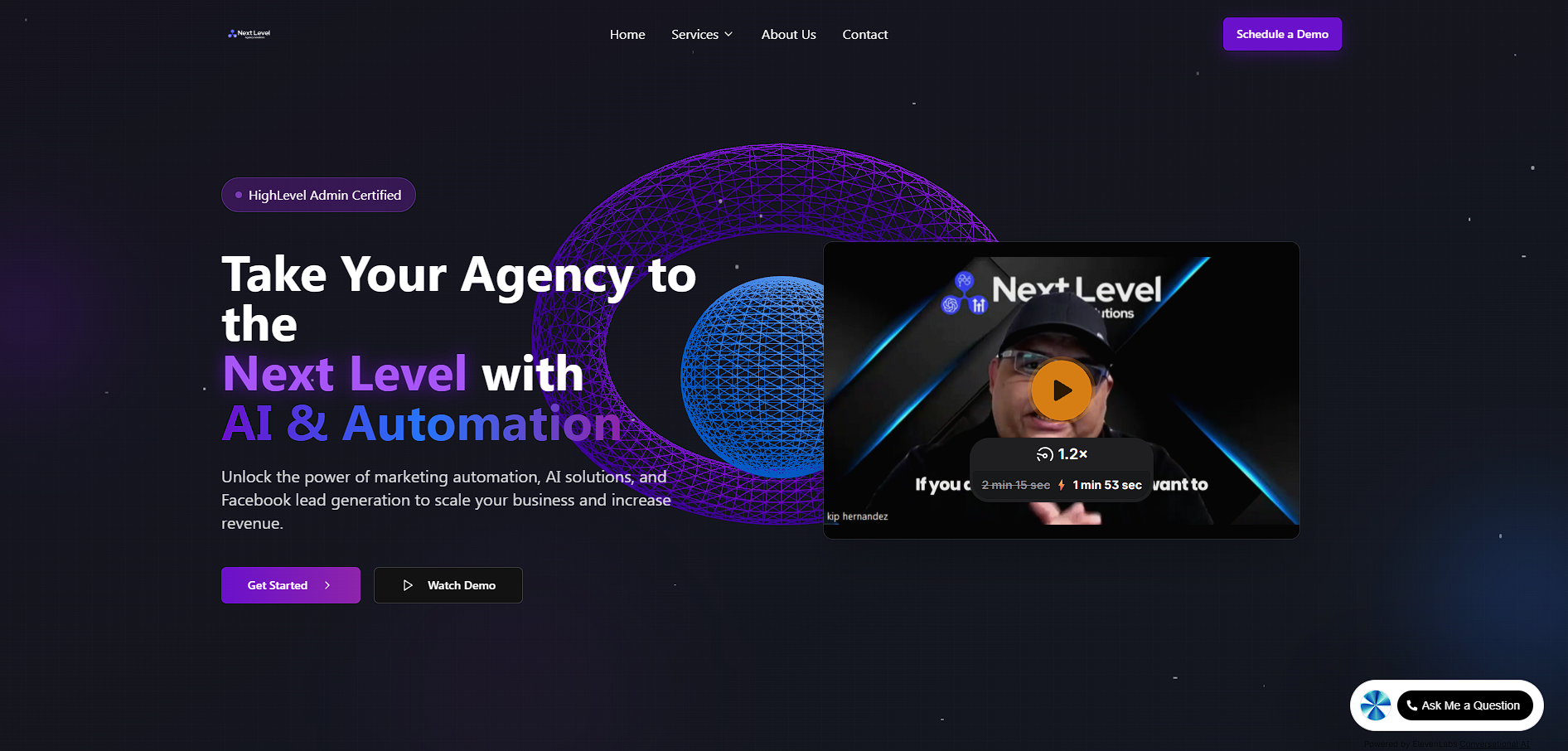
Awaz AI is the exclusive Retell partner focused on helping brands build "their own white-label voice AI platforms" on top of Retell’s real-time voice API - without having to assemble the tech stack from scratch. Instead of dealing with infrastructure, routing, billing, and dashboards, Awaz gives you a "ready-to-launch SaaS" that runs on Retell’s API but looks and feels 100% like your own product: your domain, your branding, your pricing. Global brands and fast-growing enterprises use "Awaz + Retell" to power scalable white-label solutions across multiple niches - real estate, events, telecom, e-commerce, SaaS, agencies, healthcare, education, and more. They deploy AI voice agents as appointment setters, lead qualifiers, support agents, reminder bots, and niche vertical solutions, all built on Retell’s API and orchestrated through Awaz’s multi-tenant, automation-ready platform. With built-in client management, usage-based billing, telephony integrations, automations, and analytics, Awaz lets you focus on "go-to-market and niche positioning", while we handle the heavy lifting of running a reliable, scalable voice AI platform on Retell’s infrastructure.
White Label AI Voice Solution
Inbound and Outbound AI Agents
AI Voice Agents






.avif)

-Logo.wine.svg)


.svg)























.avif)
.avif)
.avif)

.avif)
.avif)

